

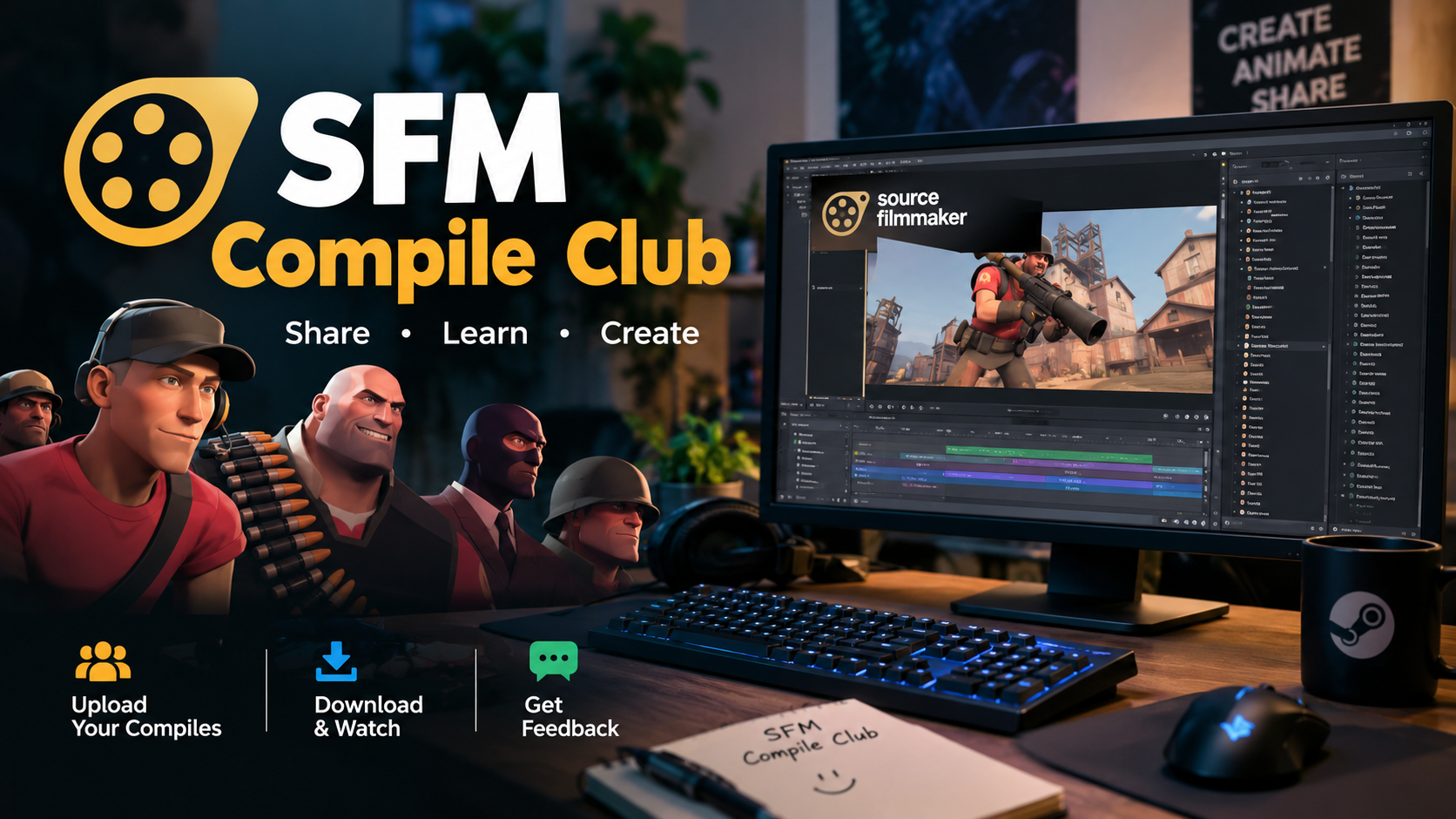
SFM Compile Club is a term associated with independent Source Filmmaker communities, resources, and compilation services rather than an official Valve product. The phrase can also refer to websites that help creators prepare custom models and other assets for Source Filmmaker (SFM), Valve’s 3D movie-making software.
Because several unrelated websites use similar names, readers should distinguish between the general SFM compilation process, individual “SFM Compile Club” websites, and Valve’s official Source Filmmaker software.
What Is SFM Compile Club?
SFM Compile Club generally refers to an independent online resource or community connected with Source Filmmaker animation, model compilation, tutorials, creator resources, or related services. There is no evidence in Valve’s official documentation or Steam listing that “SFM Compile Club” is an official Valve product or built-in SFM feature.
The name is particularly relevant to creators who work with custom 3D models. A model made in software such as Blender or another 3D package normally needs to be converted into formats that the Source engine can read before it can function correctly in the original Source Filmmaker environment.
One current site using the exact name, SFMCompileClub.org, describes itself as an independent, fan-driven community focused on SFM enthusiasts, animation, tutorials, resources, and collaboration. Another site, sfmcompileclub.net, presents itself primarily as a model-compilation service for creators. These should not automatically be treated as the same organization.
What Is Source Filmmaker?
Source Filmmaker, commonly called SFM, is a movie-making and animation tool developed and published by Valve. Valve released the original Source Filmmaker through Steam in 2012, and the software is available free of charge.
SFM differs from a conventional video editor because creators construct scenes inside a 3D environment. Characters, props, cameras, lights, particles, sounds, animations, and other elements can be manipulated within the virtual scene before the final movie or image is produced.
Valve describes SFM as the tool it used internally to create movies within the Source engine. Its Steam Workshop integration also allows users to work with community-created content.
What Can You Create With SFM?
Depending on the available assets and the creator’s skills, SFM can be used for:
- Short animated films
- Machinima
- Character animations
- Cinematic scenes
- Game-related videos
- Promotional-style animations
- Comedy and fan projects
- Still images and posters
- Custom storytelling projects
The software is particularly useful when creators want direct control over virtual cameras, character poses, lighting, environments, and animation timing.
What Does “Compile” Mean in SFM?
In the Source engine ecosystem, compiling usually means converting intermediate model data into files that the engine can load. Valve’s documentation identifies StudioMDL as the command-line model compiler that converts intermediate model formats exported from modeling software into the binary .mdl format used by the Source engine.
A simplified workflow looks like this:
3D model → exported source files → QC instructions → StudioMDL → compiled Source model → SFM
A QC file is essentially a set of instructions telling the compiler how the model should be assembled. It can define information such as the model name, body meshes, materials, animations, bones, and collision data.
This technical process is one reason independent SFM communities and compilation services exist. A creator may understand modeling and animation but still encounter errors when converting an asset into a format that the Source engine can use.
How SFM Model Compilation Works
The exact workflow depends on the type of asset and the Source branch involved, but model compilation commonly follows several stages.
1. Create or Prepare the 3D Model
The process starts with a model created or edited in a 3D application. The creator needs to ensure that geometry, materials, textures, bones, and other required elements are properly organized.
For characters, the skeleton and bone structure are especially important because animations depend on them.
2. Export the Required Files
The model is exported into an intermediate format supported by the relevant Source pipeline. The exact formats and tools can vary depending on the project.
At this stage, file organization matters. Incorrect paths or missing files can prevent the compiler from locating meshes, animations, or materials.
3. Create a QC File
The QC file provides instructions to StudioMDL. Valve’s StudioMDL documentation shows that the compiler accepts a QC file as its required input and supports options related to models, animations, materials, bones, warnings, and other compilation tasks.
A simplified QC workflow can specify things such as:
- Model output name
- Body or mesh files
- Material directories
- Animation sequences
- Collision information
- Bone-related settings
4. Run the Compiler
StudioMDL processes the QC instructions and generates Source-engine model data. The resulting files can then be placed in the appropriate game or SFM directory structure.
Valve lists StudioMDL among the Source development tools and identifies it specifically as the model compiler.
5. Test the Model in SFM
Compilation is not necessarily the end of the job. The model should be tested inside SFM to check its appearance, textures, rigging, animations, physics behavior, and overall compatibility.
If something is wrong, the creator may need to return to the model, materials, QC file, or directory structure and compile again.
Why Creators Search for SFM Compile Club
For beginners, Source-engine asset preparation can be more difficult than the actual animation work. A model may look correct in a 3D program but still fail to behave correctly after being imported into SFM.
Independent SFM communities can be useful because creators can find tutorials, troubleshooting information, workflow advice, and examples from other users. Some sites using the SFM Compile Club name explicitly describe their purpose as helping artists with model compilation and SFM-related workflows.
However, the name alone does not establish that a website is official, trustworthy, or connected to Valve.
SFM Compile Club vs. Source Filmmaker
These terms are related but should not be treated as synonyms.
| Term | Meaning |
|---|---|
| Source Filmmaker (SFM) | Valve’s movie-making and animation software |
| SFM compilation | The process of preparing and compiling assets for use in the Source environment |
| StudioMDL | Valve’s Source model compiler |
| SFM Compile Club | A name used by independent websites or communities associated with SFM compilation and creator resources |
| Source 2 Filmmaker | The newer Source 2-based filmmaking environment associated with Valve’s Source 2 ecosystem |
This distinction is important because searching for “SFM Compile Club” can return several unrelated websites. A visitor should check the exact domain and its stated ownership before assuming that two sites with similar names are connected.
Is SFM Compile Club Officially Associated With Valve?
There is no indication that “SFM Compile Club” itself is an official Valve product. Valve’s official documentation identifies Source Filmmaker as a Valve-developed tool and identifies tools such as StudioMDL within the Source development ecosystem.
At least one website using the SFM Compile Club name explicitly states that it is an independent, fan-driven community and is not affiliated with Valve Corporation or official Source Engine projects.
That distinction matters when evaluating downloads, tutorials, paid services, or claims made by third-party websites. The safest approach is to verify software and technical information against Valve’s documentation whenever possible.
Common SFM Compilation Problems
Custom models can fail for many technical reasons. Some of the most common problems involve the relationship between model files, materials, animations, and file paths.
Missing or Incorrect Materials
A model can compile successfully but still display incorrectly if its material files are missing or referenced through the wrong directory.
QC Errors
A typo or incorrect command in a QC file can stop StudioMDL from completing the compilation. Reading the compiler output carefully is usually necessary to identify the problematic section.
Broken Animation Setup
Characters require compatible skeletons, bones, and animation data. If those elements do not match, the model may compile but behave incorrectly inside SFM.
Incorrect File Paths
Source-based workflows rely heavily on predictable directory structures. A missing or incorrectly referenced file can result in compilation failures or assets that do not load properly.
High-Complexity Assets
Very detailed models can also create practical performance problems. Even when a model compiles successfully, excessive geometry, textures, or complex scenes can make animation and rendering more demanding.
How to Evaluate an SFM Compile Club Website
Because the keyword leads to multiple independent sites, users should evaluate a specific website rather than assuming every result has the same ownership or purpose.
Before downloading files or paying for a service, check:
- Domain identity: Confirm exactly which website you are visiting.
- Ownership information: Look for a clear About or contact page.
- Valve affiliation: Do not assume affiliation simply because the site uses “SFM” or “Source.”
- Download details: Avoid unexplained executable files or bundled installers.
- Technical documentation: Compare important claims against Valve documentation.
- Pricing transparency: If compilation is offered as a service, check what is actually included.
- Privacy requirements: Be cautious if a site requests unnecessary personal information.
- Content policies: Check whether the website contains material appropriate for your intended audience.
These checks are particularly important because the “SFM Compile Club” name is not uniquely tied to one official Valve service.
Can Beginners Use SFM Compile Club Resources?
Yes, independent SFM communities can be useful to beginners, particularly for learning basic workflows and troubleshooting. However, beginners should first understand the distinction between using SFM, compiling custom assets, and using third-party websites.
For learning the underlying technology, Valve’s documentation and Steam listing provide a stronger foundation than relying exclusively on an independently operated website. Valve identifies SFM as its own filmmaking tool and provides technical documentation covering the Source ecosystem.
A practical beginner workflow is to start with existing SFM assets, learn basic animation and camera controls, and then move gradually into custom models and compilation.
SFM Compile Club and Source 2 Filmmaker
Another source of confusion is the difference between the original Source Filmmaker and Source 2-based filmmaking tools.
The original SFM is based on the Source engine and has its own asset and compilation workflow. Valve’s developer documentation distinguishes the original Source Filmmaker from Source 2 Filmmaker, which is associated with Source 2 applications and tools.
Consequently, instructions written for the original Source engine should not automatically be applied to Source 2. Creators should identify which engine and toolset their project actually uses before following compilation instructions.
Is SFM Compilation Still Relevant?
Yes. As long as creators work with custom Source-engine models and assets, understanding how those assets are prepared and compiled remains useful.
The underlying concept is straightforward: a 3D application produces data that must be processed into a form the target engine understands. Valve’s documentation continues to identify StudioMDL as the Source model compiler, while SFM remains available through Steam.
What has changed is the broader ecosystem. Creators now encounter both the original Source Filmmaker workflow and newer Source 2 tools, so checking the engine version is an essential first step.
Frequently Asked Questions
What is SFM Compile Club?
SFM Compile Club is a name used by independent websites and communities connected with Source Filmmaker compilation, animation, tutorials, creator resources, or related services. It is not the official name of Valve’s Source Filmmaker software.
Is SFM Compile Club owned by Valve?
There is no verified evidence that SFM Compile Club is a Valve-owned product. At least one site using the name explicitly describes itself as an independent community with no Valve affiliation.
What is SFM compilation?
SFM compilation generally refers to preparing and converting assets so they can be used by the Source engine and Source Filmmaker. For models, Valve’s StudioMDL tool compiles intermediate model data into the binary .mdl format used by Source.
What is StudioMDL used for?
StudioMDL is Valve’s command-line Source model compiler. It processes a QC file and converts intermediate model data into Source-engine model files.
Is Source Filmmaker free?
Yes. Valve distributes Source Filmmaker through Steam as free software. The Steam listing identifies Valve as both its developer and publisher.
Are all SFM Compile Club websites the same?
No. Search results show multiple websites using very similar names, with different descriptions and purposes. Users should verify the exact domain, ownership, services, and stated relationship with Valve before treating one site as connected to another.
Also read: Xendit Work GamificationSummit

1 Comment
Pingback: TablesProWorld Com: What the Website Really Is