

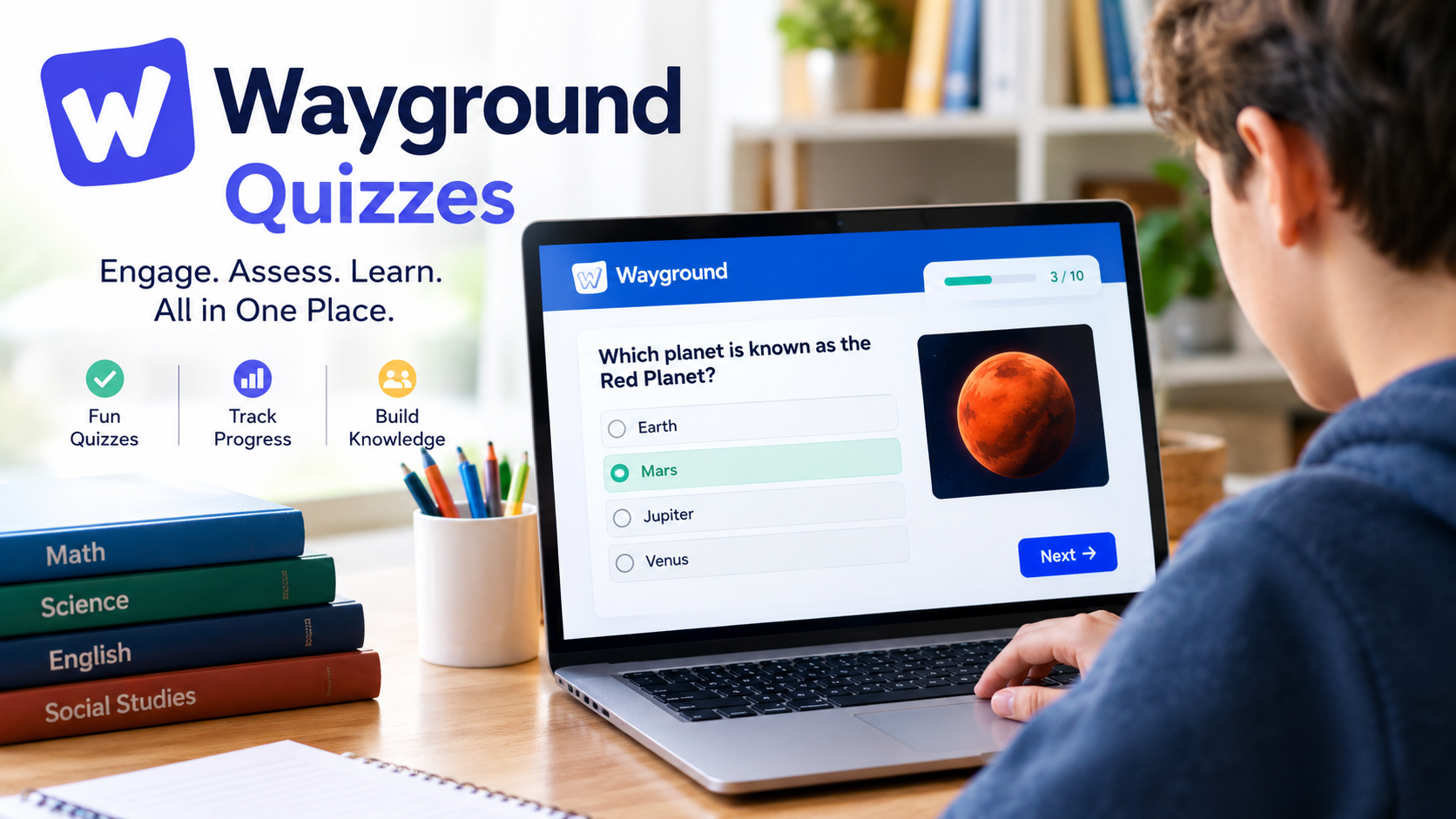
Wayground quizzes are interactive online assessments that help students practice lessons, test their knowledge, and receive feedback while teachers monitor learning progress. Formerly known as Quizizz, Wayground lets educators create quizzes, host live classroom activities, assign homework, and use AI tools to generate questions from study materials.
The platform is designed for classroom learning, independent practice, and formative assessment, which means checking what students understand before moving to the next topic. Whether you want to join a quiz using a game code, find ready-made questions, or build your own assessment, understanding how Wayground works can help you use it more effectively.
What Are Wayground Quizzes?
Wayground quizzes are digital learning activities available through Wayground at Wayground.com. Teachers can create assessments with different question formats, add multimedia content, adjust scoring, and deliver activities live or as independent assignments. The platform also offers AI-assisted quiz creation and reporting features.
Wayground was previously called Quizizz. The company announced the rebrand in June 2025, explaining that the new name reflected its expansion beyond quizzes into a broader collection of teaching and learning resources. Its website and branding changed, but existing Quizizz users were told that their links would continue to work through automatic redirection.
Unlike a traditional paper test, a Wayground assessment can incorporate interactive question types, immediate feedback, and game-inspired activities. Teachers can use these features to make practice more engaging while still collecting information about student understanding.
How to Join Wayground Quizzes
Students can join a Wayground quiz using the session instructions or access method provided by their teacher. Depending on the activity, this may involve entering a join code, opening a shared link, or signing in to an account.
Follow these steps to participate:
- Open the official Wayground website.
- Find the option to join a game or open the quiz link supplied by your teacher.
- Enter the session code if the activity requires one.
- Follow any prompts for your name or account details.
- Start answering the questions and submit your responses as instructed.
The exact process can vary according to the activity settings and the way the teacher has shared the assessment. Some assignments may require students to sign in, while other sessions may allow participation through a shared code.
Important: A quiz code is generally associated with a particular session. If a code does not work, check whether it was entered correctly, whether the session is still active, and whether the teacher has provided an updated link or code.
Key Features of Wayground Quizzes
Wayground combines assessment tools with interactive learning activities. Its features allow teachers to create different types of questions, customize how students participate, and review results after an activity.
1. Multiple Question Types
Teachers can combine multiple-choice questions with formats such as fill-in-the-blanks, drag-and-drop, categorization, polls, and other interactive activities. The official help center lists 18 question types for assessments, although availability can depend on the specific format and account.
2. Live Quizzes and Homework
Teachers can run a quiz during a lesson or assign it for students to complete independently. Teacher-led sessions support shared pacing, while student-paced activities let learners progress through questions at their own speed.
3. AI-Powered Quiz Creation
Wayground AI can generate questions from prompts, documents, worksheets, images, and supported web content. Teachers can review and edit the generated questions before publishing the assessment.
4. Performance Reports
Reports can show student scores, answer accuracy, completion rates, and time spent on questions. These results help teachers identify topics that may need further explanation or practice.
Feature details are based on Wayground’s official assessment guide, session modes guide, and reporting documentation.
How to Create Wayground Quizzes
Teachers can build a quiz from scratch or use AI to turn existing learning materials into interactive questions. The creation process includes editing the questions, selecting assessment settings, and publishing the finished resource.
Create a Quiz Manually
- Visit Wayground.com and sign in to your account.
- Select Create and choose the assessment or quiz option.
- Select Create from scratch.
- Choose a question type and enter the question and answer choices.
- Mark the correct answer where applicable, then adjust points, timing, and explanations.
- Add more questions until the assessment is complete.
- Select Publish, enter the quiz details, and save it.
Once published, the quiz can be accessed from your library and used for a live session or assigned homework, depending on the available options.
Create a Quiz With Wayground AI
Wayground AI can reduce the time needed to prepare questions, especially when a teacher already has a worksheet, lesson document, or reading passage.
The general process is:
- Open the quiz creation area and choose the AI-generation option available in your account.
- Enter a topic or prompt, or provide supported source material.
- Choose relevant settings, such as the number of questions, grade level, subject, or language.
- Generate the questions.
- Check the accuracy of the answers, revise unclear wording, and remove unsuitable questions.
- Publish the reviewed quiz.
The official documentation describes support for formats including PDF, PowerPoint, Word documents, images, Google Forms, and spreadsheets, along with supported website and YouTube links in applicable workflows. Exact import options may vary.
Why review AI-generated questions? Automated question generation can save preparation time, but it may introduce incorrect answers, ambiguous wording, or material that does not match the intended lesson. Teachers should verify the content before students use it for practice or graded assessments.
How Teachers Can Host a Live Quiz or Assign Homework
Wayground supports both real-time classroom activities and independent assignments. The best choice depends on whether students should answer together or complete the questions separately.
| Feature | Live quiz | Homework assignment |
|---|---|---|
| Main purpose | Classroom participation and immediate feedback | Independent practice |
| Student access | Session code, link, QR code, or supported classroom integration | Assignment code, link, QR code, or supported classroom integration |
| Timing | Controlled by the teacher or selected session mode | Depends on assignment settings |
| Results | Reports available for the session | Reports available after and during supported assignment workflows |
To host a live quiz, select a published assessment, choose the option to start a session, configure the available settings, and start it. Students can then join using the instructions and code provided by the teacher.
To assign homework, open the assessment, select Assign, customize the assignment settings, and publish or confirm the assignment. Students use the shared access method to complete it within the permitted session period.
A key detail is that Wayground session codes are temporary. The official help center explains that a code expires when its session ends, so an old code may not work for a new activity.
Can You Find Free Wayground Quizzes?
Wayground provides a library of learning resources, including community-created assessments that users can discover and adapt where the relevant permissions allow. The platform also offers tools to create original quizzes rather than relying exclusively on existing materials.
To look for quizzes on a particular topic:
- Visit the official Wayground website and sign in if required.
- Browse the available library or use the search function.
- Search for a subject, topic, grade level, or relevant keyword.
- Open a suitable resource and review its questions.
- Use the available options to practice, host, assign, or adapt the resource.
For example, a student studying biology might search for cell structure, genetics, or human anatomy. A mathematics teacher might look for fractions, algebra, or geometry assessments and then modify a suitable quiz for the class.
Are all Wayground features free? Do not assume that every feature or resource is available without restrictions. Account type, subscription plan, and school arrangements can affect access. Check the current official Wayground website and the relevant plan information for the features you need.
Benefits of Using Wayground Quizzes
Wayground quizzes can make practice more interactive while providing useful information about learning progress. Their value depends on how well the questions match the lesson and how the teacher or student uses the results.
The main benefits include:
- Active participation: Interactive questions give students opportunities to respond rather than only listen or read.
- Immediate feedback: Depending on the session settings, students can learn whether an answer is correct and review explanations.
- Flexible practice: Quizzes can be used for classroom revision, homework, independent study, and knowledge checks.
- Efficient preparation: AI generation and content imports can reduce repetitive quiz-building tasks.
- Progress monitoring: Reports help teachers identify common mistakes and areas requiring additional instruction.
- Adaptable content: Teachers can select question types and adjust questions to fit different topics and learning objectives.
These are potential educational benefits, not a guarantee that every student will learn more simply by using the platform. Effective teaching still requires appropriate explanations, meaningful questions, and follow-up practice.
Limitations and Things to Consider
Although Wayground offers several useful tools, it is not a complete replacement for every teaching or assessment method.
Internet and device access: Digital sessions generally require a suitable device and connectivity. Wayground’s Paper Mode offers an alternative in which teachers display questions and scan students’ personalized QR-coded cards using the mobile app.
Competition and time pressure: Game-style scoring and leaderboards can motivate some learners, but they may distract others or create unnecessary pressure. Teachers should choose session modes and timing settings that suit their students.
AI accuracy: Automatically generated questions need human review. A polished-looking quiz can still contain errors or test the wrong learning objective.
Assessment quality: A high score does not necessarily prove deep understanding. Multiple-choice questions can test recall effectively, but complex skills may require written explanations, projects, discussions, or other forms of assessment.
Privacy and account requirements: Students should follow their school’s account and data-handling policies. Teachers should check which personal details are required, how classroom activities are shared, and what settings apply to their accounts.
Wayground Quizzes vs. Quizizz: What Is the Difference?
Wayground and Quizizz are names for the same platform at different points in its history. Quizizz was renamed Wayground in June 2025 as the service expanded its focus beyond interactive quizzes to a wider set of educational resources.
| Question | Answer |
|---|---|
| Is Wayground the same as Quizizz? | Yes. Wayground is the new name for Quizizz. |
| Do older Quizizz links still work? | The company says automatic redirection is in place for existing links. |
| Are quizzes still available? | Yes. Assessments and quizzes remain core platform features. |
| Does Wayground offer more than quizzes? | Yes. Its educational resources also include lessons, passages, flashcards, and interactive videos. |
Users searching for old Quizizz tutorials may still find useful instructions, but they should check whether the screenshots, menu names, and steps match the current Wayground interface.
Tips for Getting Better Results From Wayground Quizzes
Students and teachers can make quiz sessions more useful by focusing on learning rather than scores alone.
For students, read each question carefully, review incorrect answers, and revisit the topic before attempting another quiz. When a question is confusing, ask for an explanation instead of memorizing the answer without understanding it.
For teachers, use clear wording, align questions with lesson objectives, and include a mix of straightforward and challenging questions. Review the session report afterward to identify patterns in incorrect answers and use those findings to plan the next lesson.
It is also helpful to select a suitable session mode. A teacher-led activity works well for discussing answers together, while independent practice can give students more flexibility to work through material at their own pace.
Frequently Asked Questions About Wayground Quizzes
What is the official website for Wayground quizzes?
The official website is Wayground.com. Users can access the platform to explore learning resources, create assessments, and participate in sessions using the appropriate account or join instructions.
How do I join a Wayground quiz without an account?
Whether an account is required depends on the activity and its settings. For supported sessions, students can visit the Wayground join page, enter the code supplied by their teacher, and follow the prompts. Some assignments or classroom integrations require sign-in.
How do I find a Wayground quiz code?
You normally receive the code from the teacher or person hosting the session. Teachers can obtain a code by starting a live activity or assigning a quiz as homework. Codes are session-specific and expire when the session ends.
Can I create my own Wayground quiz?
Yes. Users can create quizzes from scratch, add questions, select suitable question types, and publish the assessment. AI-assisted creation and supported imports can also help turn existing study materials into interactive quizzes.
Are Wayground quizzes suitable for homework?
Yes. Teachers can assign supported assessments as homework and share the necessary link or code with students. Students complete the activity according to the teacher’s settings, and the platform can generate performance reports.
Is Wayground free to use?
Wayground offers access to educational resources and quiz-creation features, but the availability of specific tools can depend on the account and subscription plan. Check the official website and current plan details to confirm whether a feature is included in your intended use.
Also read: Derek Jeter and Gail Boudreaux

1 Comment
Pingback: Trump News Today: Latest Updates on Donald Trump in 2026