

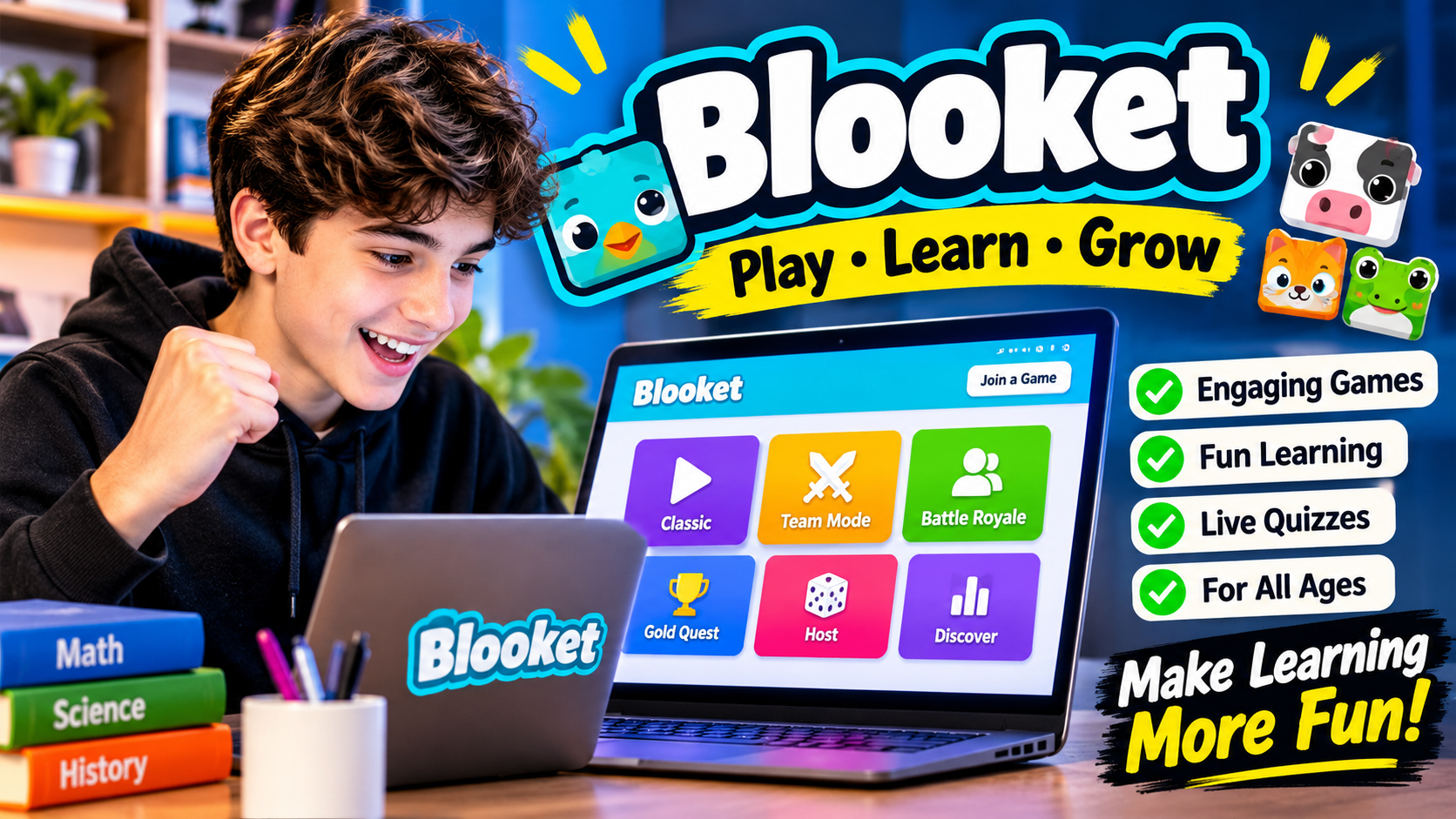
Blooket is a free, game-based learning platform that turns quizzes and classroom questions into interactive games. It allows teachers to create question sets, choose different game modes, and invite students to participate using a game code. Students can answer questions, earn rewards, compete with classmates, and improve their knowledge while playing.
Designed for classroom learning and independent practice, Blooket combines education with entertainment. Its interactive features make it useful for teachers who want to make lessons more engaging and students who prefer learning through games.
What Is Blooket?
Blooket is an online educational platform that uses quiz-based games to support learning. It is designed for teachers and students across different grade levels and subjects.
The platform works through customizable question sets. Teachers can create their own questions or select existing sets from the public library. They can then choose a game mode that determines how students interact with the questions.
Unlike traditional quizzes, Blooket connects correct answers with different gameplay activities. Depending on the selected mode, students might collect rewards, build virtual structures, race against competitors, or manage in-game resources.
Blooket is accessible through a web browser, making it convenient for classroom computers, laptops, tablets, and other compatible devices.
How Does Blooket Work?
Blooket follows a simple process that connects educational questions with interactive gameplay.
Find or Create a Question Set
Teachers begin by selecting a question set from the Discover library or creating a customized set. Questions can cover subjects such as mathematics, science, history, vocabulary, and general knowledge.
Choose a Game Mode
After selecting a question set, the teacher chooses a game mode. Each mode has different rules, objectives, and gameplay mechanics.
Host or Assign a Game
Teachers can host a live classroom session or assign an activity for students to complete independently.
Students Answer Questions
Players answer questions on their devices. Correct answers help them progress through the selected game.
Review Game Results
After a session, teachers can review available reports to understand student participation and performance.
This combination of questions, competition, and feedback makes Blooket a flexible educational tool.
Popular Blooket Game Modes
One of Blooket’s main attractions is its variety of game modes. Each mode offers a different experience while using educational questions as the foundation.
Some recognizable game modes include:
Gold Quest
Gold Quest combines quiz questions with treasure collection. Players answer questions to unlock treasure chests containing different rewards. Its unpredictable elements make each round interesting.
Tower Defense
Tower Defense combines question answering with strategy. Players use their progress to build and improve defenses against approaching enemies.
Café
Café challenges players to manage a virtual restaurant. They answer questions to serve customers, collect resources, and improve their café.
Factory
Factory focuses on building and managing a virtual production system. Players answer questions to earn progress and develop their factories.
Racing
Racing turns correct answers into progress toward the finish line. Players compete to complete the race as quickly as possible.
Classic
Classic offers a straightforward quiz experience. Students answer questions and compete based on their performance.
Game availability can vary depending on the platform’s current offerings and account plan.
How to Join a Blooket Game
Joining a Blooket game is relatively simple. Students generally do not need to create an account just to participate in a live hosted session.
The process usually involves these steps:
- Open the Blooket game joining page.
- Enter the Game ID provided by the teacher or host.
- Enter a display name if requested.
- Follow the on-screen instructions.
- Wait for the host to start the game.
Once the session begins, questions appear on the player’s screen. Students select their answers and participate according to the selected game mode.
A valid, active Game ID is necessary to enter the correct session.
How to Create a Blooket Account
Creating an account gives users access to additional platform features, including personal dashboards and game management tools.
The general registration process is straightforward:
- Visit the Blooket website.
- Select the option to sign up.
- Choose an available registration method.
- Provide the requested account information.
- Complete any required verification.
- Sign in to access the dashboard.
Teachers can use their accounts to create question sets, host games, and review reports. Students can use accounts to access their personal features and manage their Blooks collection.
Users should follow the platform’s current age requirements and account policies when registering.
How Teachers Can Use Blooket in the Classroom
Blooket provides teachers with several ways to make classroom activities more interactive.
Lesson Reviews
Teachers can use question sets to review previously taught topics. Students answer questions while participating in an entertaining game.
Vocabulary Practice
Language teachers can create vocabulary quizzes to help students practice definitions, spelling, and word recognition.
Mathematics Activities
Teachers can prepare questions involving multiplication, division, fractions, equations, and other mathematical concepts.
Science Learning
Science question sets can cover subjects such as biology, chemistry, physics, and environmental studies.
Homework Assignments
Blooket supports asynchronous assignments, allowing students to complete selected activities outside live classroom sessions when the chosen mode supports this feature.
Knowledge Assessment
Teachers can use game reports to identify difficult questions and areas where students may need additional instruction.
Blooket Features That Make It Popular
Blooket combines several educational and entertainment features in one platform.
Custom Question Sets
Teachers can create original question sets based on their lessons or adapt existing material to suit their students.
Public Question Library
The Discover section allows users to explore question sets created by other members of the Blooket community.
Multiple Game Modes
Different gameplay styles help prevent classroom activities from becoming repetitive.
Live Multiplayer Games
Teachers can host sessions where students participate simultaneously using individual devices.
Homework Assignments
Supported game modes can be assigned for independent practice, giving students more flexibility.
Learning Reports
Available reports help teachers review student performance and identify knowledge gaps.
Blooks and Rewards
Blooks are collectible characters associated with the platform. Players can earn tokens through gameplay and use them to unlock available cosmetic rewards.
Is Blooket Free to Use?
Yes, Blooket offers a free account option that provides access to its core educational features.
Users can explore question sets, create learning activities, and participate in supported games without necessarily purchasing a subscription.
The platform also offers paid Blooket Plus plans with additional features. Depending on the current subscription offering, these may include expanded game options, higher hosting limits, and additional reporting capabilities.
The free version is suitable for many basic classroom activities. Teachers who need additional management or reporting features may consider a paid plan.
Specific features and subscription benefits can change, so users should check the current plan details before purchasing.
Benefits of Using Blooket for Learning
Blooket can support classroom learning in several ways.
Increases Student Engagement
Interactive gameplay can make ordinary review activities more interesting and encourage students to participate.
Encourages Active Learning
Students actively answer questions rather than simply reading or listening to information.
Provides Immediate Feedback
Players can receive feedback during gameplay, helping them recognize correct and incorrect answers.
Supports Different Subjects
Teachers can create question sets for a wide range of educational topics and grade levels.
Makes Learning Flexible
Live games and supported homework activities allow teachers to use the platform in different learning environments.
Helps Teachers Identify Learning Gaps
Game reports can highlight questions that students find difficult, helping teachers plan future lessons.
Blooket vs. Traditional Classroom Quizzes
Traditional quizzes usually focus on answering questions and measuring individual performance. Blooket adds interactive gameplay to the same basic learning process.
In a traditional quiz, students generally complete questions in a fixed format. In Blooket, the selected game mode adds objectives, rewards, competition, and different challenges.
However, both approaches have educational value. Traditional quizzes may be more appropriate for formal assessments, while Blooket can be useful for revision, practice, and classroom engagement.
Teachers should choose the format according to their learning objectives rather than relying on games for every type of assessment.
Is Blooket Safe for Students?
Blooket is designed as an educational platform, but teachers and parents should still consider online safety when students use it.
Teachers can manage classroom sessions and choose appropriate game settings. Students should avoid sharing personal information through display names or other public interactions.
Parents and educators should also review account requirements, privacy information, and applicable age restrictions.
As with other online educational platforms, responsible supervision and appropriate device use are important.
Frequently Asked Questions About Blooket
What is Blooket used for?
Blooket is used for educational quizzes, classroom reviews, interactive learning activities, and independent practice. Teachers create or select question sets and turn them into games.
Can students play Blooket without an account?
Yes. Students can generally join live hosted games without creating an account by entering the Game ID provided by the host.
Is Blooket free for teachers?
Yes. Blooket offers a free account with core features for creating question sets and hosting supported games. Paid plans provide additional features.
Can Blooket be used for homework?
Yes. Teachers can assign supported game modes as homework so students can complete activities independently.
Does Blooket work on mobile devices?
Blooket can be accessed through compatible mobile web browsers. Students and teachers can use supported smartphones and tablets to participate in activities.
Is Blooket suitable for different age groups?
Blooket is designed for students across different educational levels. Teachers can select or create question sets that match their students’ ages, subjects, and learning abilities.
Conclusion
Blooket is an interactive educational platform that combines quiz questions, multiplayer activities, and game-based learning. Its different game modes, customizable question sets, classroom hosting options, and learning reports make it a useful resource for teachers and students.
Although it does not replace traditional teaching or formal assessments, Blooket can make revision and educational practice more engaging. Its free features also provide an accessible starting point for educators who want to introduce game-based learning into their classrooms.
Also read: RobTheCoins About

1 Comment
Pingback: Blooket Join: How to Join a Game With a Game ID