

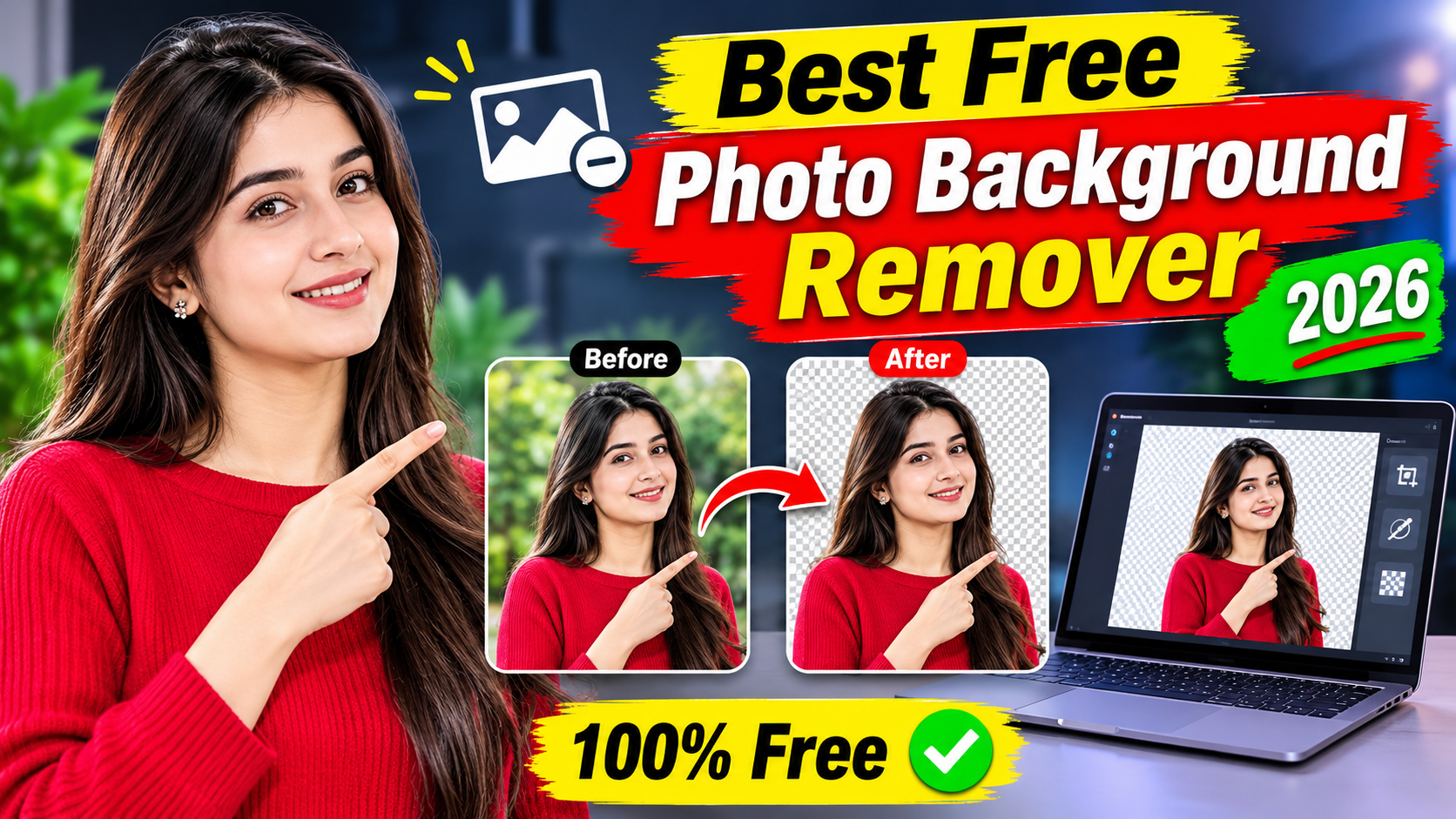
The best free photo background remover in 2026 depends on your editing needs, image quality requirements, and preferred device. Adobe Express, Pixlr, Fotor, PhotoRoom, and Clipdrop are among the useful options for removing unwanted backgrounds from photos without immediately purchasing a subscription.
These AI-powered tools can identify the main subject in an image, separate it from the background, and create a transparent cutout within seconds. Some also let users replace the original background with a solid color, a custom image, or a professionally designed scene.
However, not every free background remover offers unlimited downloads, high-resolution exports, or watermark-free results. Understanding these differences can help you choose the right tool for personal projects, social media content, product photography, and professional designs.
What Is a Photo Background Remover?
A photo background remover is an online tool, desktop application, or mobile app that separates the main subject of an image from its surrounding background.
Many modern tools use artificial intelligence and machine learning to recognize people, products, animals, and other objects. After identifying the subject, the software creates a selection around it and removes the unwanted background.
The result is usually a transparent PNG image that can be placed over another background or used in graphic designs.
Background removal is particularly useful for:
- Creating professional profile pictures.
- Preparing product images for online stores.
- Designing social media posts and advertisements.
- Making YouTube thumbnails.
- Creating presentations and marketing materials.
- Removing distracting objects and backgrounds from portraits.
Unlike traditional photo editing, AI background removal usually requires very little technical knowledge.
Best Free Photo Background Remover Tools in 2026
Several free AI background removal tools are available in 2026. Each offers a different combination of editing features, export options, processing limits, and ease of use.
Adobe Express Background Remover
Best overall for beginners and creative projects
Adobe Express is a strong choice for people who want to remove photo backgrounds and continue editing their images in the same application.
Its background removal feature automatically identifies the main subject and creates a transparent image. Users can then add a new background, insert graphics, apply filters, and prepare designs for social media or marketing campaigns.
Key features:
- Automatic AI background removal.
- Transparent PNG downloads.
- Support for JPEG, JPG, PNG, and WebP uploads.
- Additional photo editing and design features.
- Options for creating social media graphics.
Advantages:
Adobe Express offers a beginner-friendly interface and combines background removal with other useful design tools. Its free background remover makes it a convenient starting point.
Limitations:
Some advanced editing features require a paid subscription or have usage restrictions. An Adobe account may also be required for certain workflows.
Pixlr AI Background Remover
Best for batch background removal
Pixlr is a browser-based photo editing platform with an AI-powered background remover. It is particularly useful for users who need to process multiple pictures without manually selecting every object.
The tool detects foreground subjects, removes unwanted backgrounds, and produces transparent images. Users can also refine the results with editing tools such as Draw, Magic, and Lasso.
Key features:
- Automatic AI background detection.
- Batch image processing.
- Transparent, white, and black backgrounds.
- Fine-tuning tools for difficult edges.
- Support for common image formats.
- Additional online photo editing features.
Advantages:
Pixlr is useful for students, designers, content creators, and online sellers. Its batch processing capability can save time when working with several product images.
Limitations:
Complex images may require manual corrections. Some advanced editing features and services have separate usage restrictions.
PhotoRoom Background Remover
Best for product photography and online stores
PhotoRoom is designed for people who want professional-looking product photographs without spending hours editing images.
Its AI background remover separates products and people from their original surroundings. Users can then add studio-style backgrounds, adjust the appearance of their images, and prepare product visuals for online marketplaces.
Key features:
- Automatic background removal.
- Product photography templates.
- Background replacement options.
- Mobile and desktop availability.
- Additional product image editing tools.
Advantages:
PhotoRoom is particularly helpful for small businesses, resellers, and e-commerce sellers who want consistent product photographs.
Limitations:
The free plan has export restrictions. According to its published help documentation, the free plan allows up to 25 exports weekly and 100 monthly. Batch Mode and high-resolution exports are among the features associated with paid plans.
Clipdrop Background Remover
Best for occasional high-quality editing
Clipdrop provides AI-powered creative tools, including automatic background removal. It is useful for people who want to create clean image cutouts without learning complicated photo editing software.
Users upload a photograph, allow the AI to identify the main subject, and download the resulting image.
Key features:
- AI-powered background removal.
- Transparent image outputs.
- Background replacement tools.
- Additional AI image editing features.
- Browser-based accessibility.
Advantages:
Clipdrop offers a straightforward editing process and a useful collection of additional creative tools.
Limitations:
Its free plan limits background removal to 20 uses per 24 hours. High-resolution background removal is included in its paid offering, so users should check the available export quality before processing important images.
Fotor Background Remover
Best for everyday photo editing
Fotor combines automatic background removal with a wider collection of image editing features. It is suitable for users who want to improve photographs, remove unwanted backgrounds, and create simple visual content.
The AI tool identifies the primary subject and separates it from the surrounding environment. Users can then continue editing the image or prepare it for other creative projects.
Key features:
- Automatic background removal.
- Background replacement.
- Portrait and product photo editing.
- Image enhancement features.
- Additional graphic design options.
Advantages:
Fotor is convenient for casual users who want several photo editing functions in one platform.
Limitations:
Some premium effects, templates, and AI features require payment or credits. Free usage allowances can vary depending on the feature.
Photopea
Best for manual background editing
Photopea is a browser-based image editor that provides more manual editing control than many one-click background removal services.
It supports layers, masks, selections, and other familiar image editing techniques. Users can manually select a subject, refine its edges, and remove the surrounding background.
Key features:
- Layer-based editing.
- Selection and masking tools.
- Manual background removal.
- Support for multiple image formats.
- Advanced image editing controls.
Advantages:
Photopea is useful for designers who need greater control over the final image. It can also help correct cutouts that automatic AI tools do not handle perfectly.
Limitations:
It has a steeper learning curve than automatic background removers. Users may need some knowledge of image selection and masking techniques to achieve professional results.
Free Photo Background Remover Comparison
The following comparison highlights the main strengths and free-plan considerations of popular background removal tools.
| Tool | Best for | Main limitation |
|---|---|---|
| Adobe Express | General editing | Account and feature restrictions |
| Pixlr | Batch processing | Complex edges may need correction |
| PhotoRoom | Product photography | Monthly export limits |
| Clipdrop | Occasional editing | Daily usage limit |
| Fotor | Everyday photo editing | Premium features and credits |
| Photopea | Manual editing | Requires editing skills |
The best option depends on the number of images you need to process, the quality of the final output, and whether you prefer automatic or manual editing.
How to Remove a Photo Background for Free
Most modern background removal tools follow a similar process. You do not need professional photography or graphic design experience to get started.
Choose a Background Remover
Select a tool that matches your requirements. Adobe Express is a convenient starting point for general editing, while Pixlr is useful for processing multiple images.
Upload Your Photo
Open the selected tool and upload an image from your computer or mobile device.
For better results, choose a photograph in which the main subject is clearly visible and separated from the background.
Let the AI Remove the Background
After uploading the image, the tool analyzes the photograph and identifies the foreground subject.
It then removes the surrounding background automatically. Processing time depends on the image size, internet connection, and platform.
Review the Final Image
Check the edges around the subject, particularly around hair, clothing, hands, and small objects.
If the automatic result contains unwanted marks or missing details, use the available refinement tools to correct them.
Download the Transparent Image
Save the finished image in PNG format if you want to preserve transparency.
You can then place the cutout over a different background, add it to a presentation, or use it in a social media design.
What Makes a Good Free Background Remover?
Choosing the right photo background remover involves more than finding a tool that deletes backgrounds automatically. Several factors affect the quality and usefulness of the final image.
Image Quality and Resolution
A good background remover should preserve the original subject’s sharpness and details. Low-resolution exports may look acceptable on social media but can become blurry when printed or enlarged.
Check the available download resolution before choosing a tool.
Transparent PNG Support
PNG is generally the preferred format for saving images with transparent backgrounds.
Unlike JPEG, PNG supports transparency, allowing you to place the subject over different colors, photographs, and designs without retaining the original background.
Edge Detection Accuracy
Hair, fur, transparent objects, and complicated clothing can be difficult for AI software to separate from backgrounds.
Look for tools that provide manual refinement options so you can correct small mistakes after automatic removal.
Watermarks and Export Restrictions
Some free services limit image downloads, reduce resolution, or restrict commercial usage.
Before using a tool for business projects, review its free-plan conditions and licensing terms. A free background removal feature does not automatically mean that every output can be used commercially.
Privacy and Image Security
Background removers may process uploaded photographs on external servers. This matters when editing personal portraits, confidential documents, or business product images.
Review the platform’s privacy policy and image retention practices before uploading sensitive photographs.
Which Free Background Remover Is Best for Different Needs?
There is no single background remover that is perfect for every situation. The right choice depends on your intended use.
- For beginners: Adobe Express offers a straightforward way to remove backgrounds and create additional designs.
- For multiple photographs: Pixlr provides batch background removal.
- For online sellers: PhotoRoom offers product-focused editing and background replacement.
- For occasional editing: Clipdrop provides a convenient free daily allowance.
- For general photo editing: Fotor combines background removal with other editing features.
- For advanced control: Photopea provides manual selection, masking, and layer-based editing.
For most beginners, Adobe Express is a good starting point. Users who regularly edit product photographs may prefer PhotoRoom, while Pixlr is worth considering for bulk image processing.
Common Problems When Removing Photo Backgrounds
Even advanced AI background removers can produce imperfect results. Understanding common problems makes it easier to improve the final image.
Hair and Fur Look Unnatural
Fine hair strands and animal fur can blend into similar-colored backgrounds. When this happens, use edge refinement tools or select a photograph with better lighting and contrast.
Parts of the Subject Disappear
AI software may mistakenly remove parts of a person’s clothing, hands, or other objects.
Use manual selection or restoration tools to bring back missing details.
Transparent Objects Are Difficult to Process
Glass, clear plastic, and reflective surfaces can be challenging because their appearance depends partly on the background behind them.
Manual editing may be necessary to preserve realistic transparency and reflections.
The Downloaded Image Has a White Background
This can happen when an image is saved in a format that does not preserve transparency or when the export settings apply a solid background.
Choose PNG and confirm that the transparent background option is enabled before downloading.
Frequently Asked Questions
What is the best free photo background remover in 2026?
Adobe Express is a strong overall choice for beginners and general photo editing. Pixlr is useful for batch processing, while PhotoRoom is particularly suitable for product photography.
Can I remove a photo background without downloading software?
Yes. Adobe Express, Pixlr, PhotoRoom, and Clipdrop provide browser-based background removal features. You can upload an image, remove its background, and download the result without installing desktop editing software.
Which free background remover does not add a watermark?
Several services offer watermark-free exports under certain conditions. Adobe Express provides transparent PNG downloads, while Pixlr also offers free background removal. Always check the current export conditions before processing multiple images.
Can I remove a background and keep the image transparent?
Yes. Most modern background removal tools can produce transparent PNG files. Make sure you select PNG rather than JPEG when downloading the finished image.
Are free AI background removers safe?
They can be suitable for ordinary photographs, but safety depends on the platform’s privacy and data handling practices. Review its privacy policy before uploading sensitive or confidential images.
Can I use free background removers for commercial purposes?
Some tools allow commercial use, while others restrict it under their free plans. Check the platform’s licensing conditions before using edited photographs in advertisements, product listings, or client projects.
Conclusion
Finding the best free photo background remover in 2026 is easier when you understand what each platform offers. Adobe Express, Pixlr, PhotoRoom, Clipdrop, Fotor, and Photopea provide different approaches to removing unwanted backgrounds and improving photographs.
Adobe Express is a convenient choice for beginners, Pixlr is useful for batch editing, and PhotoRoom is designed around product photography. Photopea is worth considering when manual editing and greater control are important.
Before settling on a tool, compare its image quality, transparency support, download limits, watermark policies, and privacy practices. Choosing the right background remover can save editing time and help you create cleaner, more professional-looking images without immediately paying for expensive software.
Also read: Påskpyssel

1 Comment
Pingback: Celebrity Morning Routine: How Famous Stars Start Their Day