

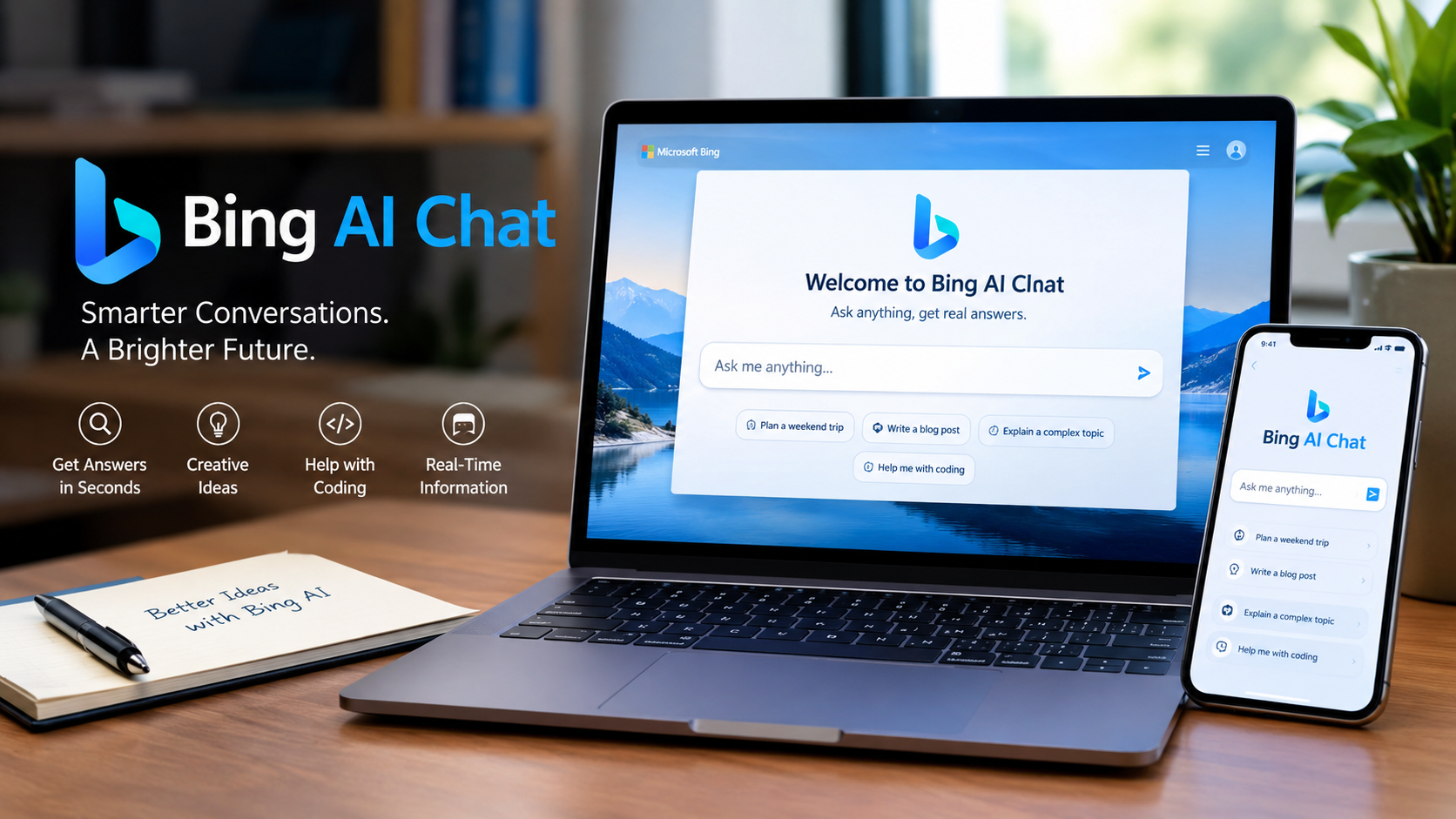
Bing AI Chat is the name many people still use for Microsoft’s AI-powered conversational search experience that was introduced inside Bing in 2023. Microsoft later renamed Bing Chat and Bing Chat Enterprise to Microsoft Copilot, so people searching for Bing AI Chat today are generally looking for Microsoft’s current Copilot experience connected to Bing and the web.
Microsoft’s current free Copilot can answer questions, help write and summarize content, create images, and provide web-grounded answers. It is available through the web, Microsoft Edge, Windows, and mobile apps, although specific features and availability can vary by account, subscription, and region.
What Is Bing AI Chat?
Bing AI Chat was Microsoft’s conversational AI feature for Bing Search. Rather than requiring users to enter short keyword queries and examine a list of links, the service allowed people to ask questions in natural language and receive conversational responses.
Microsoft introduced the new AI-powered Bing and Edge experience on February 7, 2023. The company described it as a new way to combine traditional web search with AI-generated answers, chat, and content creation.
Later in 2023, Microsoft consolidated the branding. Its September announcement stated that Bing Chat and Bing Chat Enterprise would become Microsoft Copilot, making Copilot the more important name for the service.
Therefore, the distinction is useful:
| Term | What it refers to |
|---|---|
| Bing AI Chat | Common search term and former name for Microsoft’s conversational Bing experience |
| Bing Chat | Microsoft’s original 2023 name for the AI chat experience in Bing |
| Microsoft Copilot | The current broader name for Microsoft’s consumer AI assistant |
| Copilot in Bing/Edge | Copilot capabilities connected with Microsoft’s search and browser experiences |
| Microsoft 365 Copilot | Copilot capabilities integrated into Microsoft 365 and designed around productivity |
How Bing AI Chat Became Microsoft Copilot
The history of Bing AI Chat is relatively short but important.
In February 2023, Microsoft launched its new AI-powered Bing and Edge experience. It combined Bing’s search infrastructure with generative AI to provide conversational answers and other capabilities.
Microsoft subsequently expanded the experience with features such as multimodal search and image creation. In September 2023, the company announced additional Bing AI capabilities, including personalized answers, AI-powered shopping features, and DALL-E 3 support for Bing Image Creator.
Microsoft then simplified the branding. In an update to its September 2023 announcement, the company said that Bing Chat and Bing Chat Enterprise would simply become Microsoft Copilot.
This means that searching specifically for an old bing.com/chat interface can be confusing. The technology and capabilities evolved into Microsoft’s broader Copilot ecosystem rather than remaining a separately branded Bing chatbot.
What Can Microsoft Copilot Do?
The current Microsoft Copilot experience is designed for general-purpose AI assistance. Microsoft says the free version can handle general questions and answers, writing and brainstorming, summarization, web-based tasks, image creation, and web-grounded responses.
Answer questions
Users can ask Copilot questions in ordinary language instead of constructing traditional search queries. Depending on the request and settings, Copilot can use web search to provide information based on publicly available online sources.
This is particularly useful for questions that require combining information from several sources rather than simply locating one webpage.
Research information
When web search is enabled, Copilot can generate a short search query based on a user’s prompt and send it to Bing. The search results can then be used to improve the response. Microsoft says users can select the Sources option to see the query Copilot sent to Bing and the sources used.
This makes Copilot different from a chatbot that relies entirely on a fixed training dataset. However, web grounding does not guarantee that every generated statement is correct.
Write and rewrite content
Copilot can help users draft, rewrite, summarize, brainstorm, and organize text. It can therefore be used for tasks such as creating an outline, improving wording, generating ideas, or turning notes into a more structured draft.
Human review remains important, particularly when the material contains factual, legal, financial, academic, or professional information.
Create images
Microsoft has also integrated image-generation capabilities into its Copilot ecosystem. Microsoft’s documentation says Copilot can create images and modify uploaded images in supported experiences.
The exact image capabilities can change as Microsoft updates its models, products, and subscription tiers.
Summarize web content
Copilot can work with web information and, in Microsoft Edge, can assist with webpage-related tasks such as summarization and extracting useful information. Microsoft lists Edge webpage summarization and insights among the capabilities of the free Copilot experience.
This can save time when a webpage is long, although important claims should still be checked against the original source.
How Does Bing AI Chat Work?
The original Bing AI Chat experience combined Microsoft’s search technology with generative AI. The general concept was to retrieve relevant information from the web and use an AI model to produce a conversational response rather than simply displaying conventional search results.
Today’s Copilot web-search workflow follows a similar general principle. Microsoft says Copilot can generate a search query from the user’s prompt, send that query to Bing, and use the resulting public web information to improve the response.
This process is sometimes described as grounding. In simple terms, grounding means connecting an AI-generated answer to external information so the response can incorporate more current material.
It is important to understand that grounding is not the same as guaranteeing accuracy. Microsoft explicitly warns that Copilot is probabilistic and can produce fabricated, biased, or factually incorrect information.
Is Bing AI Chat Free?
The current Microsoft Copilot free experience is available at no cost. Microsoft says users can access it at Copilot’s website, and signing in provides additional capabilities such as chat history, more image creation, longer conversations, and longer voice usage.
Microsoft also offers Copilot capabilities through Microsoft 365 subscriptions. Those experiences can provide additional functionality and different limits depending on the subscription. Microsoft notes that Copilot features and availability can vary by subscription type and region.
Consequently, it is important not to assume that every Copilot user has exactly the same features or usage limits.
How to Use Bing AI Chat Today
If you are searching for Bing AI Chat, the practical starting point is Microsoft’s current Copilot service rather than an old Bing Chat page.
You can access Copilot through the web at copilot.com. Microsoft also provides Copilot apps for Windows, macOS, iOS, and Android, while Copilot is available through Microsoft Edge and other Microsoft products.
For the basic free experience:
- Open Microsoft Copilot on the web or use a supported Copilot app.
- Enter a question or instruction in the chat box.
- Ask follow-up questions when you need clarification.
- When web information is used, review the available sources.
- Verify important information against the original source before relying on it.
Signing in is not always required for basic access, according to Microsoft, but signing in can provide additional features such as conversation history and longer usage limits.
Bing AI Chat vs. Traditional Bing Search
Bing Search and Copilot serve related but different purposes.
Traditional search is primarily designed to help users locate webpages, documents, images, products, news, and other results. Copilot adds a conversational layer that can synthesize information and respond directly to natural-language instructions.
For example, a traditional search might return several pages about a software feature. Copilot can instead be asked to explain the feature, summarize the relevant information, and answer follow-up questions.
That convenience comes with a trade-off: a conventional search result makes it easier to inspect individual sources directly, while an AI response requires the user to evaluate both the generated explanation and its supporting sources.
Privacy and Data Considerations
Privacy is an important consideration when using any AI chat service.
Microsoft’s current privacy documentation says personal Copilot users have controls for personalization, memory, conversation history, model-training choices, and personalized advertising. Microsoft also says users can delete individual conversations or their Copilot history through available controls.
Microsoft’s documentation also states that some Copilot conversations can be subject to automated and limited human review for product improvement and digital safety purposes.
For this reason, users should avoid entering confidential information unless they understand the relevant account, product, and privacy settings.
Work and school environments can operate under different protections. Microsoft says Copilot Chat used with a work or school account can provide enterprise data protection, and prompts and responses in that environment are not used to train foundation models.
Limitations of Bing AI Chat and Copilot
AI chat can be useful, but it should not be treated as an infallible source.
Microsoft’s own transparency documentation identifies several limitations, including the possibility of incorrect information, bias, stereotypes, offensive content, and ungrounded responses.
The most important limitations include:
- Incorrect answers: Copilot can generate information that sounds convincing but is wrong.
- Source interpretation: Even when sources are provided, the generated summary may misunderstand them.
- Changing information: Search-based answers can become outdated as websites and circumstances change.
- Incomplete context: A short prompt may not provide enough information for a precise answer.
- Privacy considerations: Conversations and related data are governed by Microsoft’s applicable privacy policies and settings.
- Feature differences: Capabilities can differ according to account type, subscription, platform, and region.
For high-stakes subjects, the safest approach is to use Copilot as a research assistant rather than the final authority.
Is Bing AI Chat Still Available?
The original product name Bing Chat is no longer the main Microsoft branding for the service. Microsoft announced that Bing Chat and Bing Chat Enterprise would become Microsoft Copilot in 2023.
That is why searches for phrases such as “Bing AI Chat,” “Bing Chat AI,” and “Bing chatbot” can lead users to Copilot-related Microsoft pages.
The underlying idea remains familiar: users can interact with an AI assistant while benefiting from Microsoft’s search and web capabilities. However, Microsoft has continued expanding Copilot beyond the original Bing chat experience.
Bing AI Chat and Microsoft Copilot in 2026
As of 2026, Microsoft’s AI strategy extends considerably beyond the original Bing chatbot. Copilot is now presented as an assistant available across Microsoft’s consumer and productivity ecosystem, with separate experiences depending on whether someone uses a personal account or a work or school account.
Microsoft also updated its Copilot application experience in August 2026. Its current documentation distinguishes personal Copilot experiences from work and school environments and explains that account type affects the available experience.
This broader positioning is important for anyone researching “Bing AI Chat” today. The keyword describes the historical entry point many users remember, while Microsoft Copilot is the current name to look for when accessing Microsoft’s general-purpose AI assistant.
Frequently Asked Questions
What happened to Bing AI Chat?
Bing AI Chat was introduced by Microsoft in 2023 as an AI-powered conversational experience within Bing. Microsoft later renamed Bing Chat and Bing Chat Enterprise as Microsoft Copilot as part of a broader effort to unify its AI products.
Is Bing AI Chat the same as Microsoft Copilot?
They are closely related, but the names reflect different stages of Microsoft’s product development. Bing Chat was the original name for the AI experience in Bing, while Microsoft Copilot became the broader current branding.
Can I use Microsoft Copilot for free?
Yes. Microsoft says the free Copilot experience is available at no cost and can be used for questions, writing, brainstorming, web-based tasks, image creation, and other supported features. Feature availability can vary by region and account.
Does Bing AI Chat use the internet?
The current Copilot experience can use web search to improve responses. Microsoft says Copilot can generate a short search query from a prompt, send it to Bing, and use the resulting public web information in its answer.
Can Bing AI Chat give wrong answers?
Yes. Microsoft explicitly acknowledges that Copilot can produce incorrect or fabricated information despite its safety and reliability measures. Important claims should therefore be checked against the original sources, particularly for high-stakes decisions.
Where can I access Microsoft Copilot?
Microsoft says Copilot is available through its web experience, Windows, macOS, iOS, Android, and Microsoft Edge, with functionality varying by platform and account.
Also read: Lady Gaga
